How provide Access Rights for Menu for different user groups?
Access rights are provided to different user groups (Admin, Release 2.0, guest users etc) and this will decide which user group will have access to tabs (Worksheets, Reports etc).
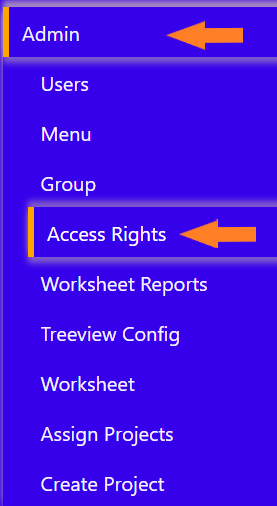
To the left-hand side of the screen click on ‘Admin’ tab and select ‘Access Rights’ subtab.
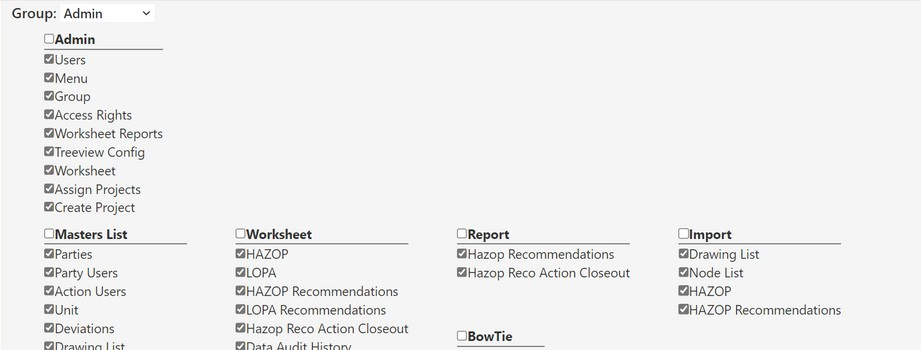
It will prompt a screen where you can assign Access Rights. In the Group dropdown select the relevant user group (Admin, Release 2.0, Guest Users etc.).
Then check the square box next to the items present on the screen. User groups will get the access only for those items which are checked.
Do not forget to click on the ‘Save’ button which is present at the bottom of the page after making changes.