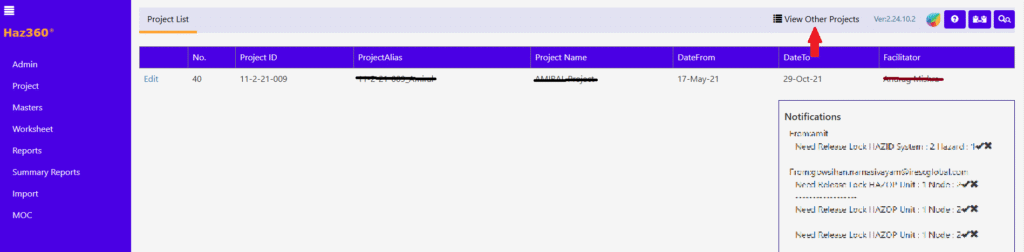
User can search the project details by clicking “View Other Projects” as shown in below screen.
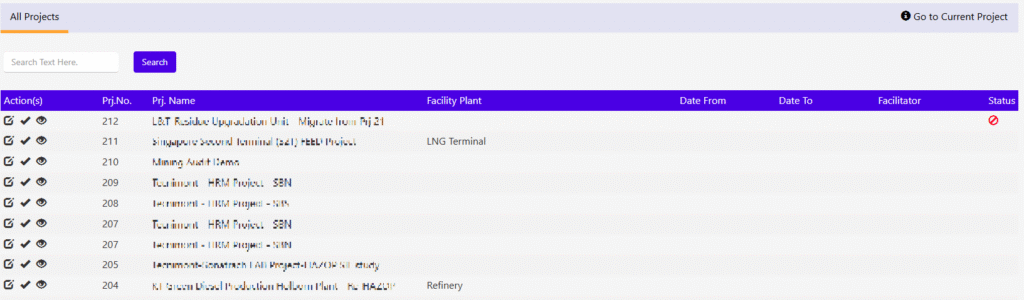
Screen like below will be available.
User can enter the text/ part of the text to search in the box and press Enter button will produce the result with provided text “Contains” in the entry.
User can click the “Select” (tick) icon to select the specific project (will be logged in to it).
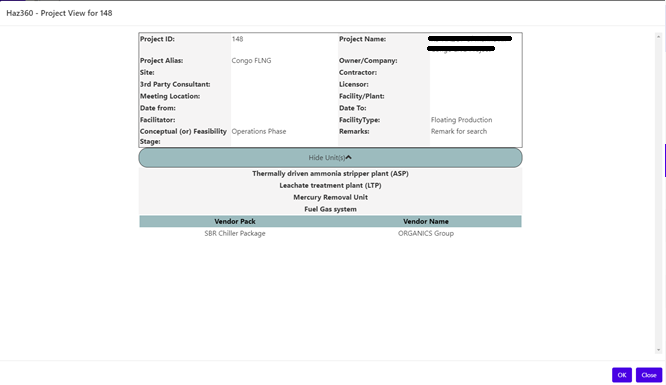
User can click the “View” (eye) icon to view the summary of the project details like below.””